Screensavers worth leaving on.

A small collection for the Mac. Nap installs them, keeps them current, and stays out of the way.

Try it free for two daysmacOS 13 or later · Apple silicon and Intel

Or paste this into Terminal:curl -fsSL https://trynap.app/install.sh | bash

Also on Android, free.Get it on Google Play

Each one does one thing properly.

A handful of controls each, and nothing else. Two of them are running on this page, and every style is on one page.

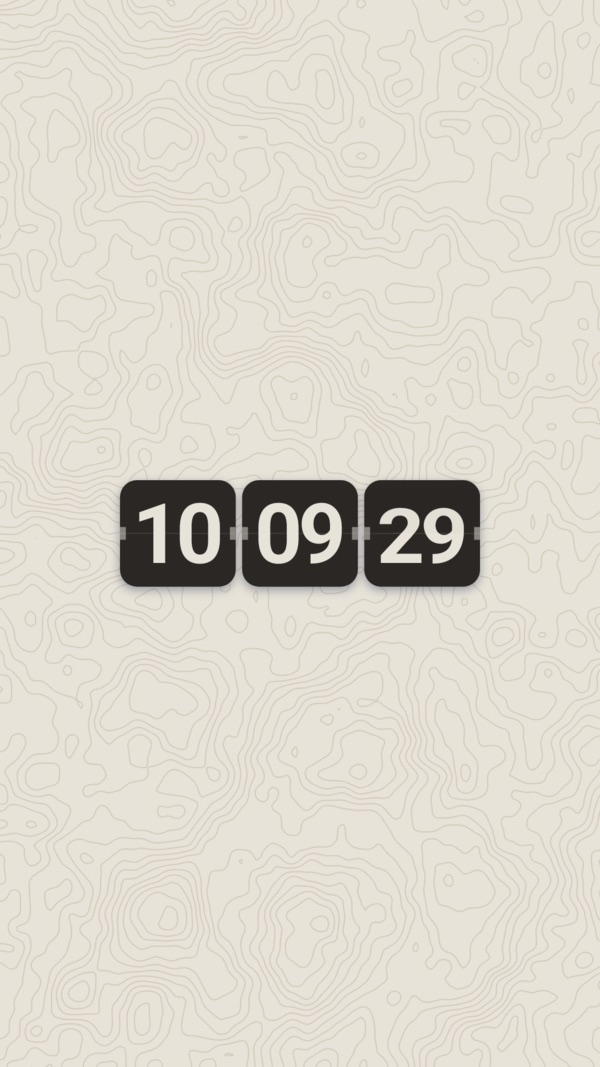
Flip Clock

The time on split-flap cards, drifting across the screen.

The cards travel in a straight line and bounce off all four edges, the way the old DVD logo did. Every digit turns over in two stages, the same as a real split-flap board: the front face falls to the seam, then the new one swings up out of it.

  • Speed
  • Size
  • Style
  • 12-hour clock
  • Show seconds

Football

A real ball, fired from a slingshot.

Twelve pentagons and twenty hexagons, tumbling as it travels. It leaves the slingshot small and fast, bounces off every edge, and grows as it slowly runs out of energy. When it finally stops, the slingshot appears wherever it landed, draws it back, and sends it off somewhere new.

  • Speed
  • Size
  • Style

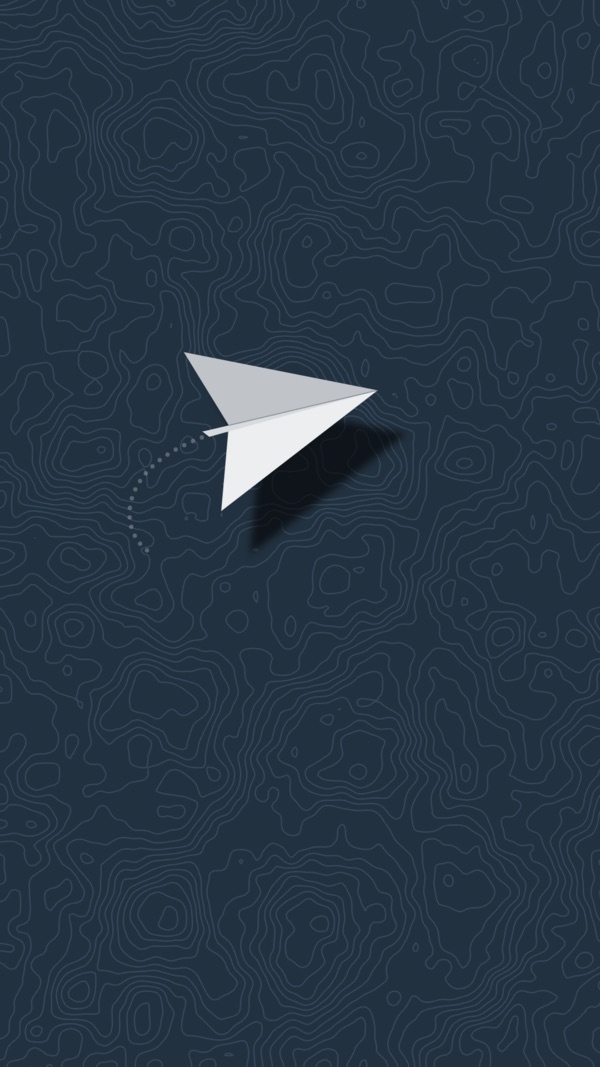
The others are the Paper Plane, which skywrites a message you give it, the Puzzle Cube, thePendulum Wave and the Plotter. Every one runs in every style and background, and the list stays short on purpose — each has to be worth leaving on.

Nap for Android

On your phone, too.

Live wallpapers for your home and lock screens, in the style and background you choose. While it charges, Nap can run as the screen saver too.

Free on Google Play.

Get it on Google Play

How it works

  1. Open Nap

    Drag it to Applications and open it once. It installs the screensavers for you, and shows whether they're installed and selected.

  2. Choose it in System Settings

    Press Open Screen Saver Settings and Nap takes you straight to the right pane.

    macOS files third-party screensavers under Others. If you don't see them, press Show All.

  3. Walk away

    It starts when your Mac goes idle, and runs until you touch the mouse or keyboard.

A few controls, and a live preview.

Nap shows the real screensaver while you adjust it, so you can see what you're choosing. No photo import, no custom backgrounds, no palette editor.

70
60%

Changes apply the next time the screensaver starts.

On the Mac: two days free, then $5.

One payment, no subscription, and the key has no expiry. That is the whole price: $5, and it stays yours.

  • Every screensaver, in every style and background.
  • A key for one Mac at a time, which you can move whenever you like.
  • New screensavers arrive as updates, and Nap installs them itself.
  • The trial starts the first time you open Nap. No account, no card.

Nap for Android is free on Google Play.

Buying goes to Dodo Payments, who take the payment and email the key. What you get, and what happens next.

Want one that isn't here?

Tell us. Send what you have in mind to [email protected], with a picture or a link to something close to it if you have one — that says more than a paragraph does.

No promises: most ideas don't survive the test every screensaver here had to pass, which is whether it's still worth looking at on the hundredth day. The ones that do get built, and everyone with a licence gets them.

Give your Mac something to do.

Try it free for two daysThen $5 once · macOS 13 or later

On Android? Nap is free on Google Play.